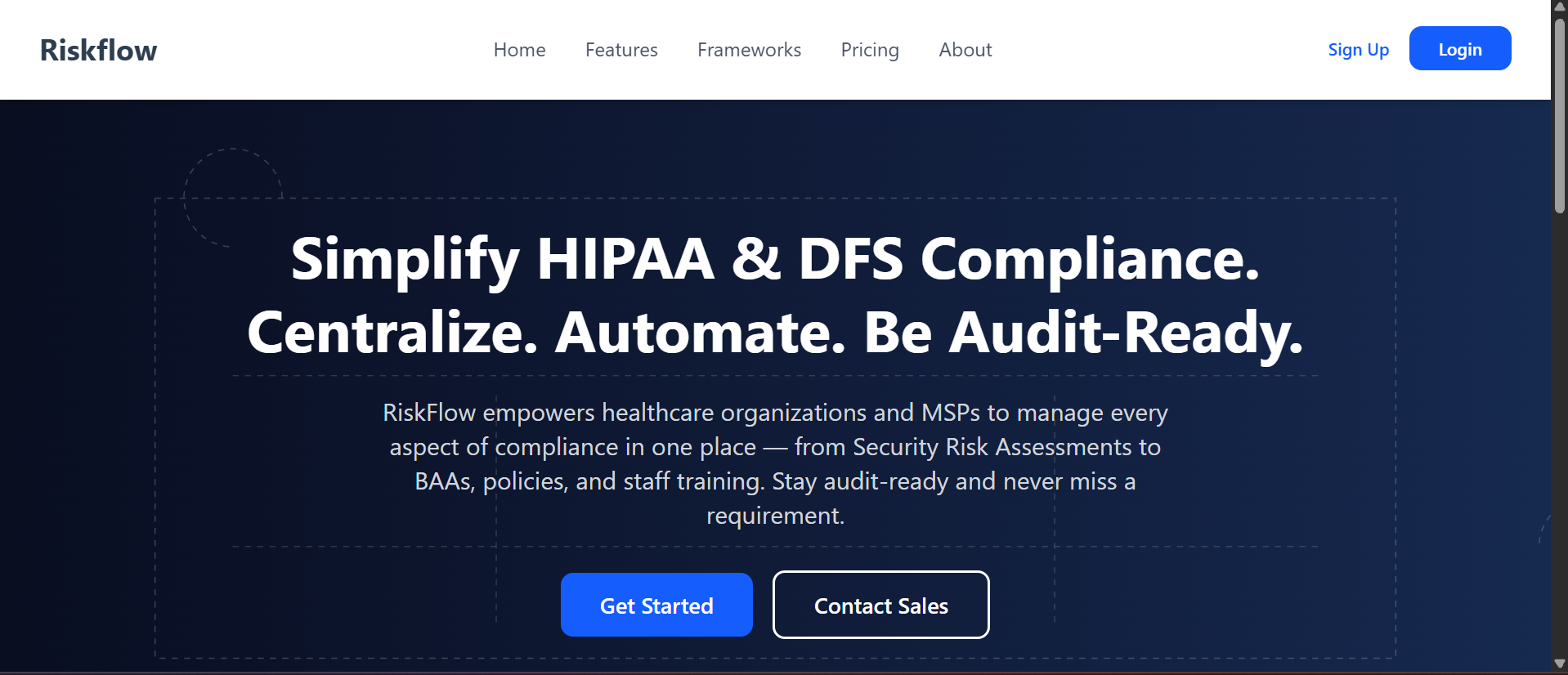
Accessing RiskFlow
- Open your web browser (like Chrome, Edge, or Firefox).
- Go to the RiskFlow website (ask your admin for the link, or use the provided company URL).
Registering Your Organization
- Click Get Started on the homepage.
- Fill in your organization details (name, email, etc.).
- You may receive an email invitation—click the link to complete your registration.
Logging In
- Click Login on the homepage.
- Enter your email and password.
- If you forget your password, use the Forgot Password link to reset it.